
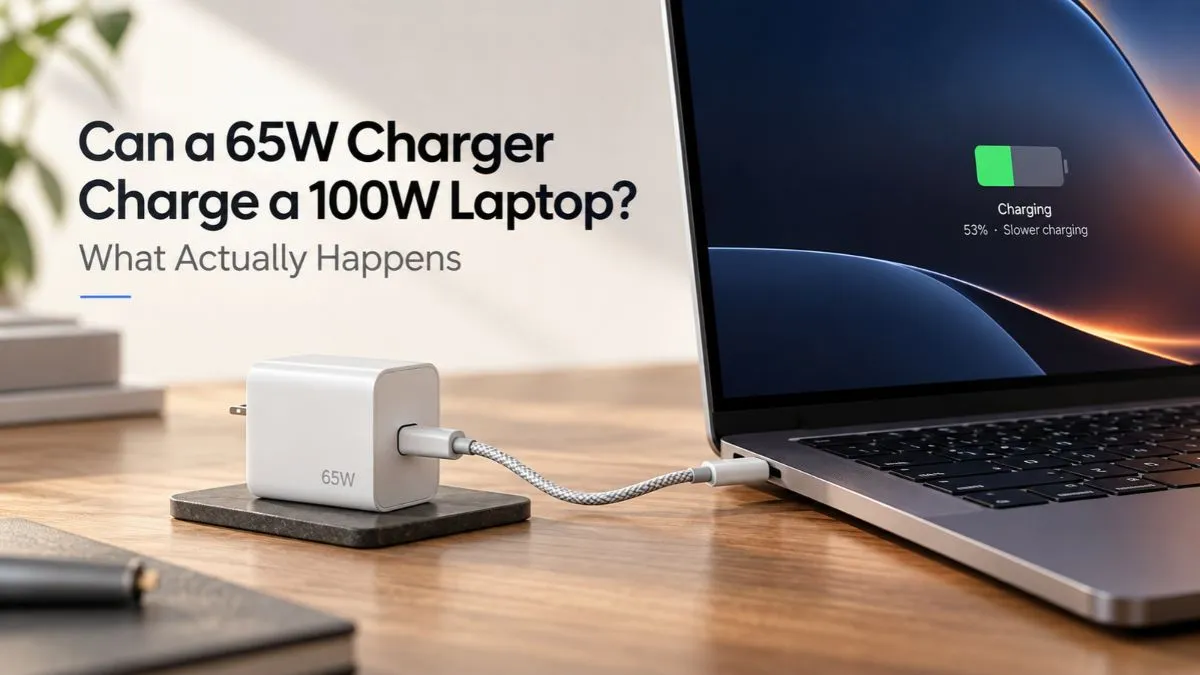
If your laptop normally uses a 100W USB-C charger, plugging in a 65W charger can feel like a bad idea. In many cases, though, the laptop will still charge — just not at the same speed or with the same amount of power available under load.
The important part is that the laptop, charger, cable, and USB-C port all have to support a compatible USB Power Delivery profile. A lower-wattage charger does not automatically damage a USB-C PD laptop, but it can become the limiting part of the charging chain.
That can mean normal charging during light use, very slow charging during heavier work, or even battery drain while the laptop is plugged in.
Quick Answer: Can a 65W Charger Charge a 100W Laptop?
Yes, many USB-C PD laptops designed for up to 100W can charge from a compatible 65W USB-C charger. The laptop will not magically receive 100W from a 65W charger; the available charging power is capped by what the charger can provide and what the laptop can negotiate.
Whether 65W feels “enough” depends on what the laptop is doing at the time.
| Situation | What may happen with a 65W charger |
|---|---|
| Laptop asleep or turned off | Usually the easiest situation for the battery to gain charge |
| Web browsing, documents, streaming | Often charges normally, but potentially slower than with 100W |
| Heavy CPU work | Charging may become very slow |
| Gaming, rendering, heavy GPU use | Battery may stay flat or continue dropping under load |
| Incompatible charger, port, or cable | Charging may be limited or may not start |
Microsoft notes that Windows can report a PC as “charging slowly” or even discharging while plugged in when the charger does not meet the device’s power requirements.
Why a 65W Charger Can Still Work With a 100W Laptop
USB-C Power Delivery is designed around power negotiation. The charger advertises the power profiles it supports, the laptop requests a compatible profile, and the connection operates within those limits.
USB-IF says USB Power Delivery originally supported up to 100W and was later expanded to as much as 240W with USB PD 3.1. That does not mean every laptop, charger, or cable supports every level.
If the laptop is capable of accepting up to 100W but also supports a compatible lower USB PD profile, it may simply negotiate a lower power level with a 65W charger.
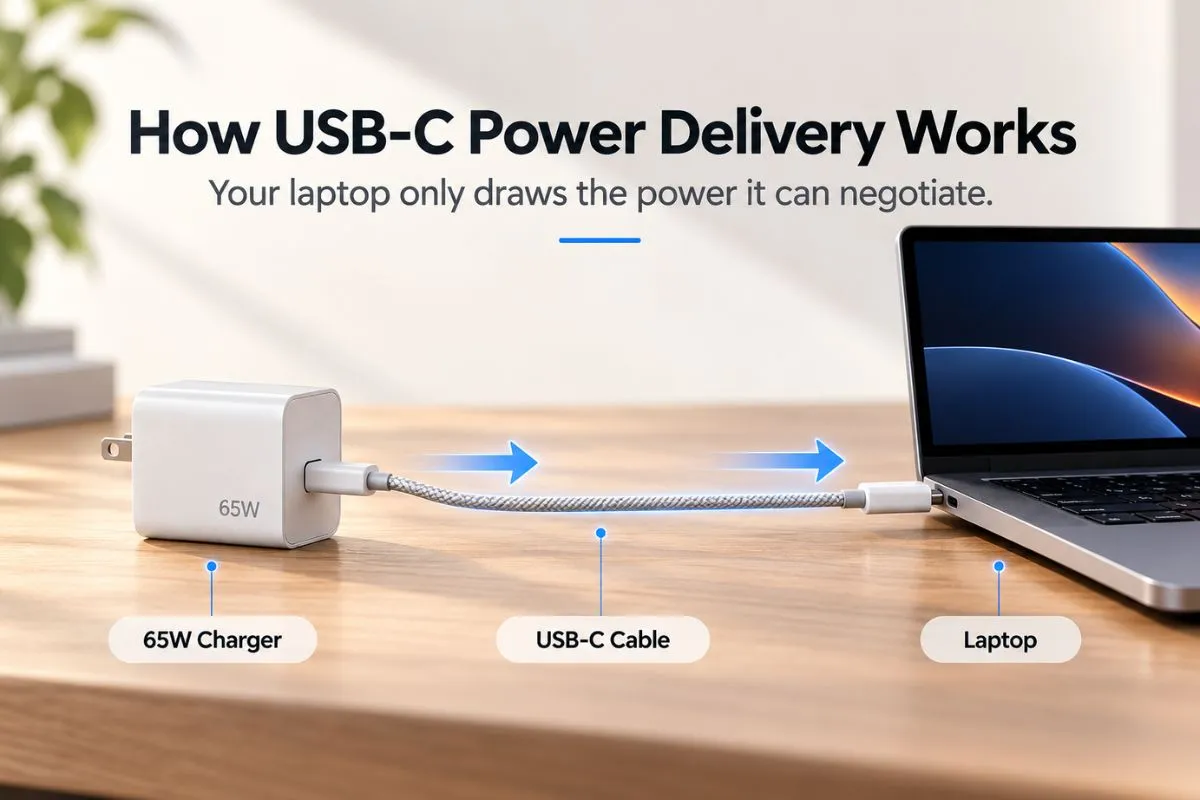
Think of it as a ceiling:
100W laptop capability + 65W charger = no more than the compatible power the 65W charger can provide.
The exact real-world number can be lower because charging electronics, cable capability, multi-port power sharing, and the laptop’s current battery state can all affect the final result.
Will a 65W Charger Damage a 100W Laptop?
With a reputable, standards-compliant USB-C Power Delivery charger and a laptop that supports USB-C PD charging, using a lower-wattage charger is generally a power-limitation issue rather than a case of the charger “pushing the wrong 65W” into the laptop.
The laptop and charger negotiate a compatible power level. The charger cannot provide more than its own supported output, and the laptop does not have to request the charger’s maximum.
There are still important exceptions. Do not assume the same logic applies to random barrel-plug adapters, proprietary charging connectors, poorly made USB-C chargers, or a laptop USB-C port that does not support charging input.
If your laptop manufacturer specifies a particular charger type or proprietary adapter for full performance, follow that guidance when you need maximum power.
What Happens During Light Use?
A 65W charger can be perfectly usable with some 100W-capable laptops during light workloads.
- web browsing
- documents
- video streaming
- light coding
- general office work
If the laptop is consuming well below the charger’s available power, there can still be enough headroom left to run the computer and charge the battery at the same time.
This is why a 65W travel charger can feel completely normal in one situation but inadequate in another.
What Happens During Gaming or Heavy Work?
This is where the wattage difference becomes much more noticeable.
During gaming, 3D rendering, video export, compiling, or another sustained CPU/GPU workload, the laptop can require much more power than it does while browsing the web.
If the system wants more power than the USB-C charger can supply, several things can happen depending on the laptop:
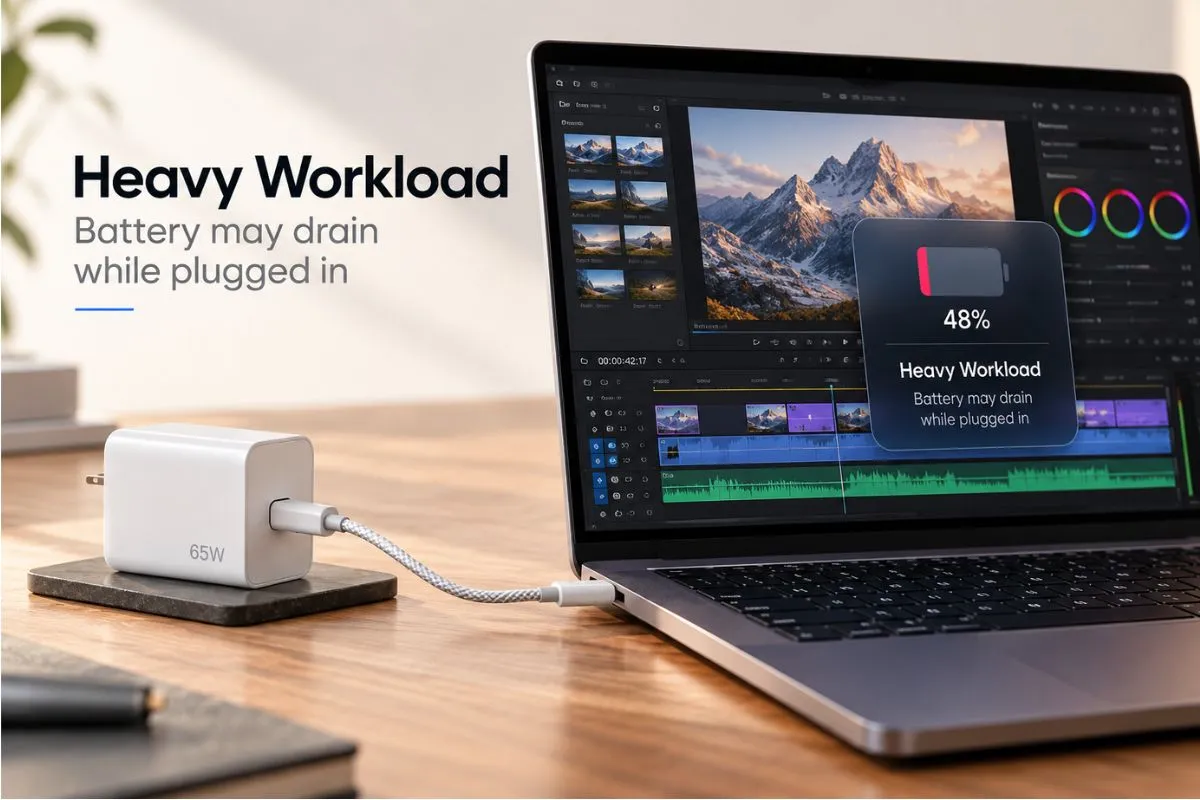
- the battery charges very slowly
- the battery percentage stays almost unchanged
- Windows shows a slow-charger warning
- the battery gradually drains even while plugged in
- the laptop limits performance to stay within its available power budget
Microsoft specifically documents cases where a PC can charge slowly or discharge while plugged in when the charger is not powerful enough for the device.
Does a “100W Laptop” Always Need 100W?
No. A 100W charging rating usually describes the laptop’s maximum or intended charging capability, not a constant 100W power draw every second.
Power demand changes with workload, display brightness, battery state, CPU and GPU activity, connected accessories, thermal conditions, and the laptop’s own power-management rules.
That is why a 65W charger can be enough for one person’s normal day while another user with the same laptop sees battery drain during gaming.
65W vs 100W Laptop Charger: What Changes?
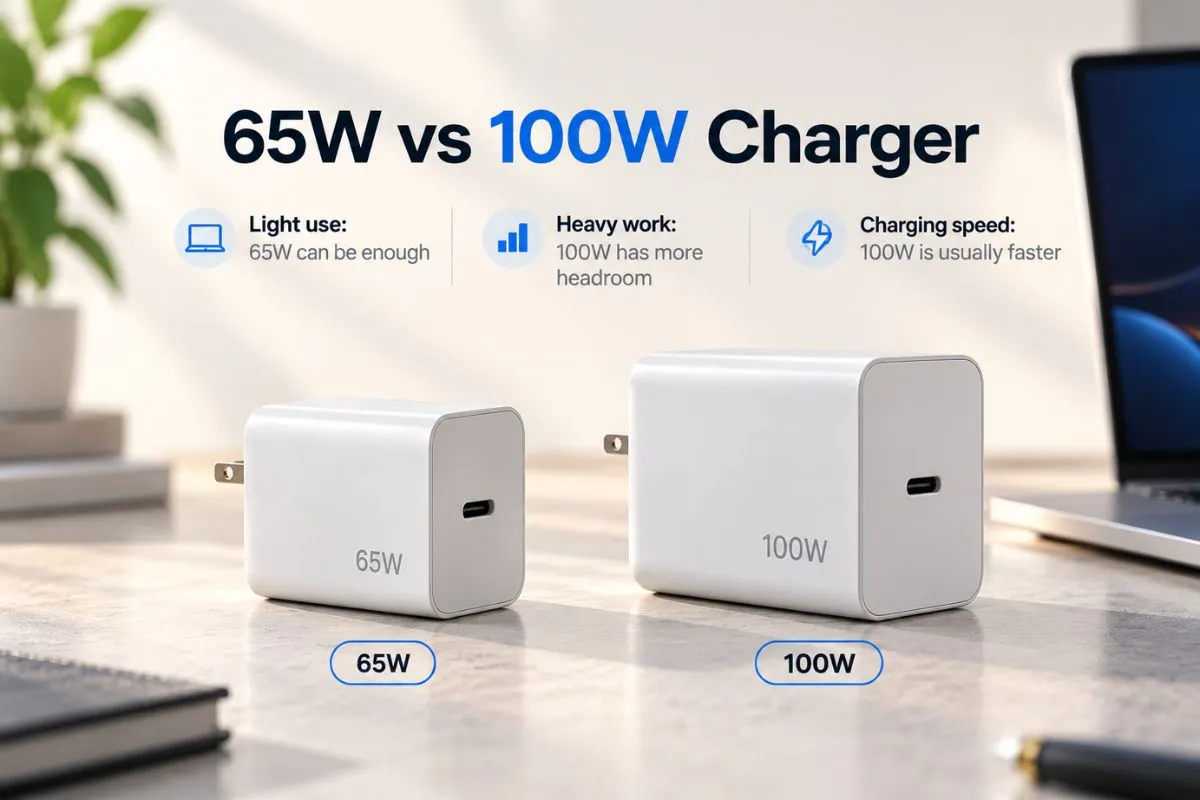
| Factor | 65W charger | 100W charger |
|---|---|---|
| Maximum available power | Lower | Higher |
| Light-use charging | May be perfectly adequate | More headroom |
| Heavy workloads | More likely to become limiting | Better suited to a 100W-capable laptop |
| Charging speed | Potentially slower | Can be faster if the laptop supports it |
| Travel convenience | Often smaller and lighter | Can be larger depending on design |
| Battery drain under load | More likely if system demand exceeds available power | Less likely when matched to the laptop |
A higher-wattage charger does not guarantee faster charging beyond the laptop’s own limit. The useful advantage is having enough power available when the laptop can actually use it.
The USB-C Cable Can Quietly Become the Bottleneck
Do not check only the number printed on the charger.
The cable has its own power capability. A 60W-rated USB-C cable can prevent a setup from delivering the full output of a charger designed to go above 60W.
This is especially relevant with 65W, 100W, and higher-power laptop charging. If you are unsure how current cable power ratings work, see our guide to 60W vs 100W vs 240W USB-C cables.
For charging above 100W, USB PD Extended Power Range also requires compatible EPR hardware and cable support.
A 65W Charger May Not Deliver 65W From Every Port
Multi-port chargers can make the label on the front misleading if you do not check the port-specific power table.
A charger marketed as “65W” may provide its full 65W only from one USB-C port when that port is used by itself. Connecting a phone, tablet, or second laptop can make the charger redistribute its power across multiple ports.
That can leave the laptop with 45W, 30W, or another lower amount depending on the charger design.
For a 100W-capable laptop, that difference can turn an already-compromised charging setup into one that barely keeps the battery level steady.
What If You Charge Through a USB-C Hub or Dock?
Charging through a hub introduces another limit.
Many USB-C hubs reserve part of the incoming power for the hub itself and attached devices before passing the rest to the laptop. That means a 65W charger connected through a hub may deliver less than 65W to the computer.
We explain that in detail in our guide to USB-C hub PD passthrough and laptop charging.
Why Windows Says “Slow Charger”
Windows can warn you when the connected charger or cable does not provide the power level the PC expects for faster charging.
According to Microsoft, common causes include:
- the charger is not powerful enough
- the charger is incompatible with the PC
- the cable does not meet the power requirements
- the charger is connected to the wrong USB-C port
- the connection goes through a hub or dock that reduces available power
A slow-charger message does not automatically mean something is broken. It can simply mean the current setup cannot provide the laptop’s preferred charging power.
Can You Use 65W Temporarily for a 100W Laptop?
For a compatible USB-C PD laptop, a good 65W charger can be useful as a temporary or travel option when maximum performance is not the priority.
It makes the most sense when you are:
- working in a browser or office apps
- charging while the laptop is sleeping
- carrying a smaller travel charger
- topping up the battery between heavier workloads
- using the charger as a backup rather than a full replacement
For gaming, rendering, or long heavy workloads, the laptop’s original charger or another charger that meets the manufacturer’s recommended power is the safer choice for consistent performance.
What Should You Check Before Using a 65W Charger?
- Confirm the laptop supports USB-C Power Delivery input. A USB-C connector by itself does not guarantee charging support.
- Check the laptop’s official charging requirement. Look at the manufacturer’s specifications or original adapter.
- Check the exact USB-C port output on the charger. Do not rely only on the charger’s total advertised wattage.
- Use a suitable cable. The cable must support the negotiated power level.
- Watch what happens under your real workload. If the battery drops while plugged in, the charger is not keeping up with the system’s demand.
If the laptop itself is limiting charging to protect battery health, that is a separate issue from charger wattage. Windows laptops often use manufacturer-specific battery-care settings; our guide to limiting laptop charging to 80% in Windows 11 explains how those controls work.
When You Should Use the Full 100W Charger
Use the laptop’s intended 100W charger — or another fully compatible charger that meets the same requirement — when:
- you want the fastest supported charging
- you regularly game or render while plugged in
- the battery drains with the 65W charger
- the laptop repeatedly warns about insufficient power
- you use a hub or dock that consumes part of the incoming power
- the manufacturer requires a specific adapter for full performance
The point is not that 65W is “bad.” It is simply a smaller power budget.
GadgetStick Pro Tip
If you want one compact travel charger for a 100W-capable laptop, check your laptop’s real light-use behavior before deciding that 65W is enough. Charge from around the middle of the battery range while doing your normal work. If the percentage still climbs comfortably and Windows shows no persistent power warning, the 65W charger may be fine for travel. Keep the full-power charger for heavy workloads.
Frequently Asked Questions
Can a 65W charger charge a laptop that came with a 100W charger?
Often yes, if the laptop supports a compatible lower USB-C Power Delivery profile. Charging may be slower, and the laptop may still lose battery during heavy use.
Is it safe to use a lower-wattage USB-C charger for a laptop?
With reputable, compatible USB-C Power Delivery hardware, lower wattage mainly limits available power. Do not assume this applies to incompatible proprietary or barrel-plug adapters.
Why is my 100W laptop charging slowly with a 65W charger?
The charger has less power available than the laptop can use at its full charging rate. The cable, USB-C port, hub, multi-port power sharing, and current workload can reduce the effective power further.
Can a 65W charger make my laptop battery drain while plugged in?
Yes. If the laptop consumes more power than the charger can supply during a heavy workload, the system can use battery power to cover the difference.
Will a 100W charger charge faster than 65W?
Only if the laptop supports and requests more than the lower charger’s available power. A laptop with a lower charging limit will not become faster just because the charger has a higher maximum rating.
Does a 65W charger always output 65W?
No. The actual output depends on the USB-C port, negotiated power profile, connected devices, and the charger’s power-sharing design. Multi-port chargers can reduce the wattage available to the laptop.
Final Answer
A compatible 65W USB-C PD charger can often charge a laptop designed for up to 100W, but it gives the laptop a smaller power budget.
For browsing, office work, or charging while the laptop is asleep, 65W may be enough. During gaming, rendering, or sustained CPU/GPU workloads, charging can slow dramatically or the battery can continue draining while plugged in.
If you want predictable full-speed charging and performance, use the laptop’s recommended 100W charger. If you want a smaller backup or travel charger and your laptop accepts 65W USB-C PD, the lower-wattage option can still be useful.
How We Researched This Guide
We researched this guide around the actual charging question rather than treating charger wattage as a simple bigger-is-better number. We reviewed USB Implementers Forum documentation for USB Power Delivery limits and Microsoft’s current Windows guidance for slow charging and battery drain while a PC is plugged in.
We also checked current search results for the specific 65W-versus-100W laptop charging intent and compared the topic against GadgetStick’s existing USB-C hub, cable, and Windows battery guides to avoid duplicating an article that already answers the same question.
This guide is not based on hands-on electrical testing of a specific laptop and charger pair. Individual laptops can use different USB-C PD profiles, proprietary charging logic, and performance limits, so the manufacturer’s specifications remain the final reference for a specific model.
Primary sources reviewed:
- USB-IF — USB Charger (USB Power Delivery)
- Microsoft Support — PC is charging slowly or discharging while plugged in
- Microsoft Support — Fix USB-C problems in Windows
Editorial Note
This article is independent informational guidance. GadgetStick has not tested every 65W charger with every 100W-capable laptop, and compatibility can vary by laptop model, USB-C port, charger, cable, firmware, and manufacturer-specific charging requirements. Check the official specifications for your exact laptop before replacing its original power adapter.
