
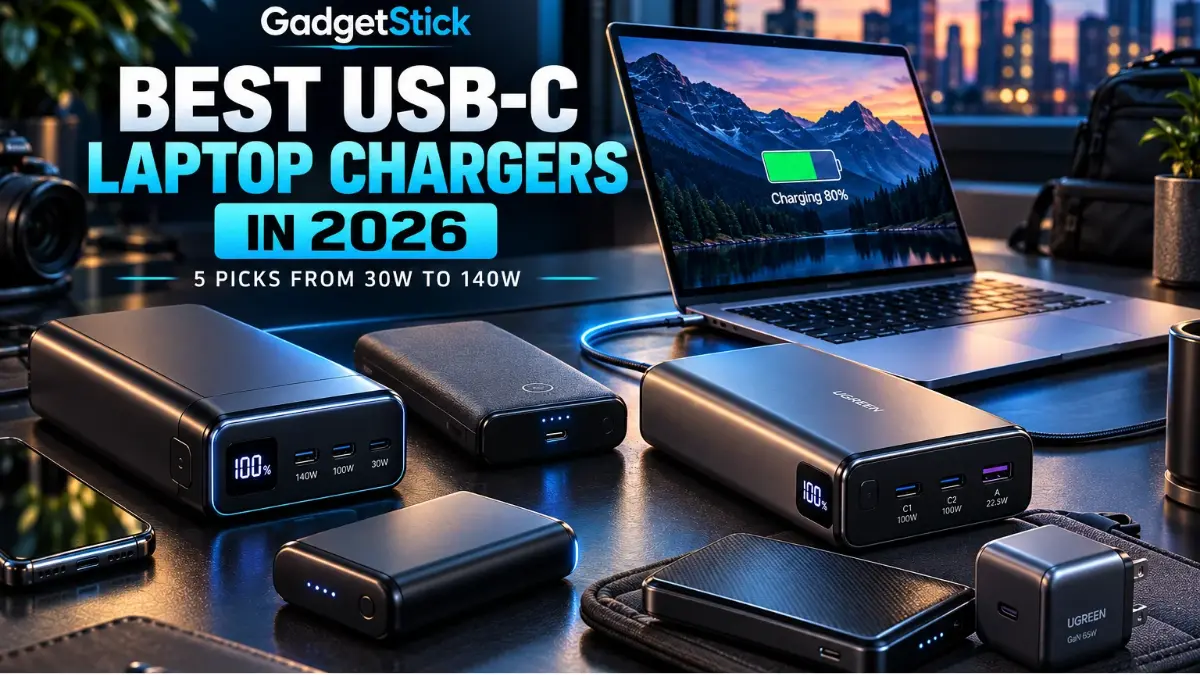
This guide compares portable battery packs and one retailer bundle that includes a wall charger. It is not a shortlist of standalone wall adapters. Check your laptop’s supported USB-C PD voltage and power requirements before choosing.
Quick Answer
Our top portable pick is the Anker 737 Power Bank because its 24,000mAh capacity, up to 140W USB-C output, three charging ports, and on-device display make it unusually useful for demanding USB-C laptops away from an outlet. The UGREEN Nexode 20,000mAh 130W is the better cable-integrated alternative, while the INIU 25,000mAh 100W prioritizes capacity and value. The Anker 533 is the compact 10,000mAh option for lighter devices, while the Baseus Blade bundle pairs a 20,000mAh 100W laptop power bank with a 100W wall charger for a more complete travel setup.
Affiliate disclosure: GadgetStick’s previous Amazon Associates relationship is no longer active. Existing Amazon links remain in this article.
Best USB-C Laptop Chargers in 2026
- Anker 737 Power Bank (24K) — Best Portable High-Power Pick
- UGREEN Nexode 20,000mAh 130W Power Bank — Best Balanced 130W Pick
- INIU 25,000mAh 100W Power Bank — Best High-Capacity Value
- Anker 533 Power Bank (PowerCore 30W) — Best Compact Everyday Pick
- Baseus Blade 20,000mAh 100W + 100W Charger Bundle — Best Travel Bundle
How We Chose These USB-C Laptop Chargers
We prioritized usable USB-C output, battery capacity, port layout, recharge behavior, portability, and whether each product can realistically support a laptop. We also considered the difference between portable battery power and outlet charging, since the Baseus pick combines a 100W power bank with a separate 100W wall charger rather than treating the two use cases as identical.
We also checked manufacturer documentation and current product information where available. GadgetStick did not perform hands-on electrical or thermal testing of these five products, so we do not make measured-performance claims that we cannot verify. Always check your laptop’s required wattage and charging protocol before buying.
Quick Comparison
| Product | Type | Headline Power | Capacity / Ports | Best For |
|---|---|---|---|---|
| Anker 737 Power Bank | Power bank | 140W max output | 24,000mAh / 3 ports | High-power portable charging |
| UGREEN Nexode 20,000mAh | Power bank | 130W total output | 20,000mAh / 3 ports | Balanced high-power laptop charging |
| INIU 25,000mAh | Power bank | 100W max single-port output | 25,000mAh / 3 ports | Capacity and value |
| Anker 533 Power Bank | Power bank | 30W max USB-C output | 10,000mAh / 3 ports | Compact everyday charging |
| Baseus Blade Bundle | Power bank + wall charger | 100W power bank + 100W charger | 20,000mAh / 2 USB-C + 2 USB-A on power bank | Complete travel charging kit |
1. Anker 737 Power Bank — Best Portable High-Power Pick
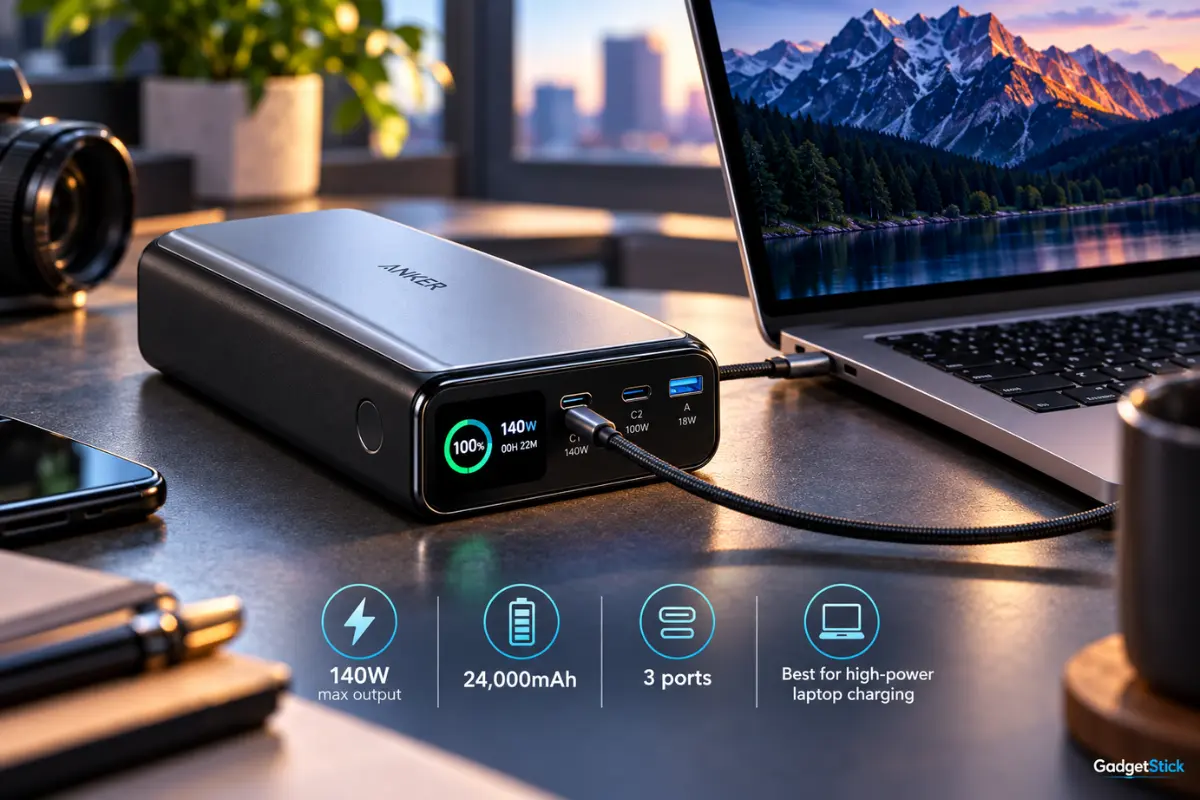
The Anker 737 Power Bank is the strongest fit here for people who need serious USB-C laptop power away from a wall outlet. Anker lists a 24,000mAh battery, two USB-C ports, one USB-A port, and up to 140W total output. Its display is also useful for seeing charging information without opening an app.
Why It Earned a Spot
Its biggest advantage is the combination of high USB-C output and substantial battery capacity. That makes it more appropriate for MacBooks and other USB-C notebooks than ordinary phone-first power banks. It can also recharge at up to 140W with suitable USB-C PD hardware, which helps reduce the downtime of such a large battery.
Real limitation: It is a heavy power bank at roughly 600 grams, and Anker notes that compatibility can vary with devices that use unusual charging implementations. High advertised wattage also does not mean every laptop will accept 140W.
Buy if: You want a premium portable battery for a USB-C laptop, phone, and accessories.
Skip if: You mainly need a small everyday phone power bank or the lightest possible travel setup.
2. UGREEN Nexode 20,000mAh 130W Power Bank — Best Balanced 130W Pick
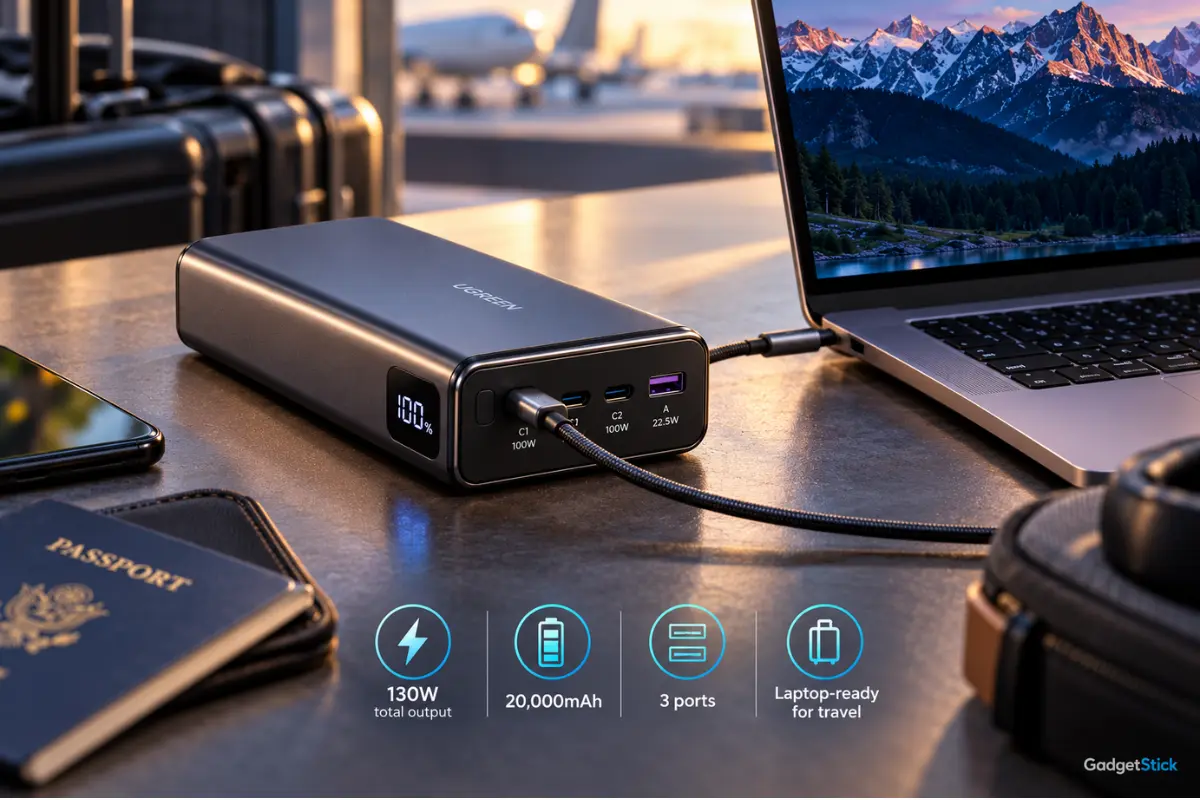
The UGREEN Nexode 20,000mAh 130W is a balanced portable option for travelers who need laptop-class USB-C charging without carrying a huge battery. Its 20,000mAh capacity and up to 130W total output make it suitable for charging a compatible USB-C laptop alongside smaller devices.
Why It Earned a Spot
The built-in cable is the differentiator. For a backpack or carry-on setup, one less loose cable matters. The 20,000mAh capacity is still substantial, while 100W single-device laptop charging covers many USB-C notebooks, tablets, gaming handhelds, and phones.
Real limitation: The 130W figure is the power bank’s total output, not a guarantee that every laptop will charge at 130W. Actual charging speed depends on the USB-C port, cable, and the laptop’s supported USB-C PD profile.
Buy if: You value a built-in USB-C cable and want to charge a laptop plus smaller devices from one battery.
Skip if: Your priority is the highest possible single-port laptop output.
3. INIU 25,000mAh 100W Power Bank — Best High-Capacity Value
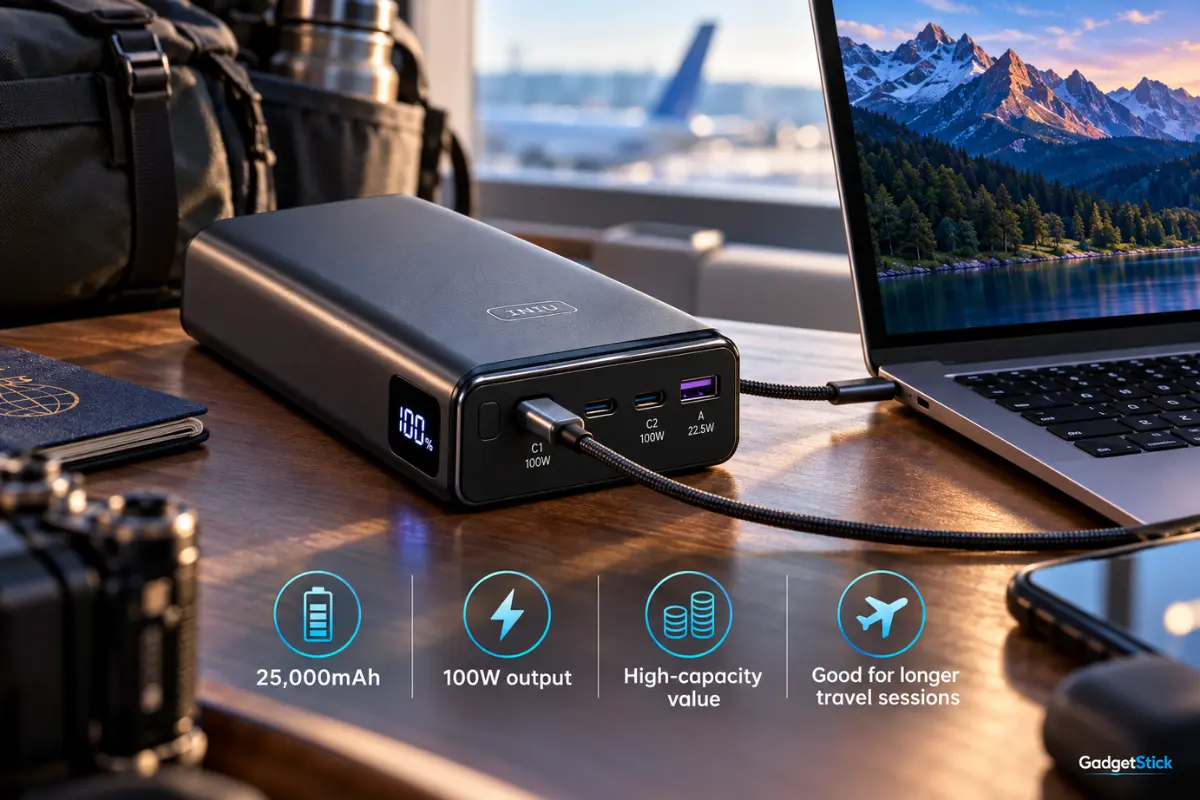
The INIU P63-E1 takes a different approach: more battery capacity with a lower peak laptop output than the Anker. INIU lists 25,000mAh capacity, up to 100W from its primary USB-C output, a second USB-C output up to 45W, USB-A up to 18W, and a detachable 100W USB-C cable.
Why It Earned a Spot
For many 65W and 100W USB-C laptops, 100W is already enough. The larger 25,000mAh capacity therefore makes sense for buyers who care more about portable runtime than chasing 140W peak output. Its digital display and detachable cable also make it a practical travel package.
Real limitation: Output changes when several ports are used together. INIU lists lower combined allocations than the headline 100W single-port figure, so multi-device charging can reduce the power available to your laptop.
Buy if: You want high capacity and up to 100W laptop charging without paying only for the biggest wattage number.
Skip if: Your laptop genuinely benefits from more than 100W over USB-C.
4. Anker 533 Power Bank (PowerCore 30W) — Best Compact Everyday Pick
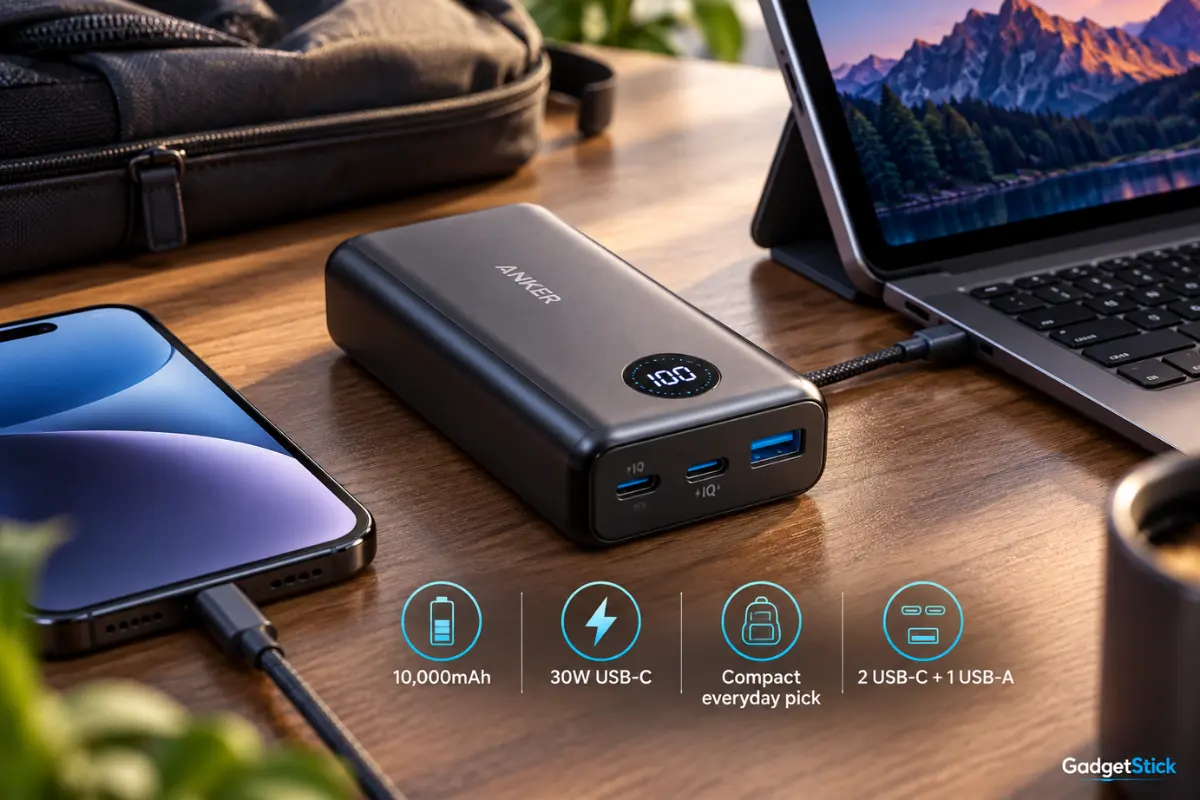
The Anker 533 Power Bank (PowerCore 30W), model A1256, is the compact option in this group. It combines a 10,000mAh battery with up to 30W USB-C output, making it better suited to phones, tablets, and lower-power USB-C laptops than the larger high-output power banks above.
Why It Earned a Spot
Its smaller 10,000mAh capacity makes it easier to carry every day, while two USB-C ports and one USB-A port provide useful flexibility for phones, tablets, accessories, and lighter USB-C devices. The key trade-off is power: its USB-C output tops out at 30W, so portability matters more here than high-performance laptop charging.
Real limitation: 30W is not enough for many performance laptops and may only slow-charge some notebooks. Check your laptop’s minimum USB-C Power Delivery requirement before choosing this compact model.
Buy if: You want a compact 10,000mAh power bank for phones, tablets, accessories, and lower-power USB-C devices.
Skip if: Your laptop needs 45W, 65W, 100W, or more for practical charging.
5. Baseus Blade 20,000mAh 100W + 100W Charger Bundle — Best Travel Bundle
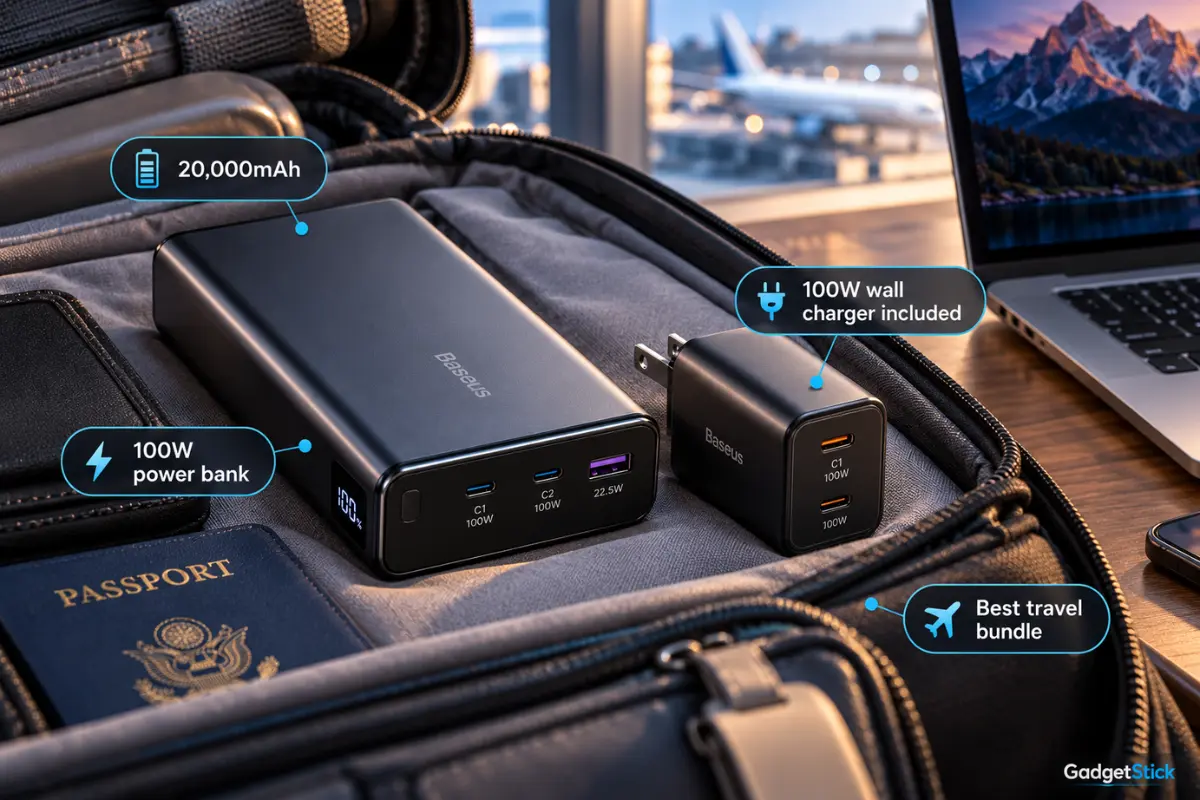
This Amazon listing bundles the Baseus Blade 20,000mAh 100W laptop power bank with a Baseus 100W three-port wall charger. The Blade itself supports up to 100W USB-C output and provides two USB-C plus two USB-A ports, while the included wall charger gives you a separate high-output option when an outlet is available.
Why It Earned a Spot
The bundle is useful if you want one purchase to cover both charging at an outlet and portable battery power away from it. A 20,000mAh capacity is substantial enough for travel, and the power bank’s flat form factor is designed to sit neatly beside a laptop in a bag or workspace.
Real limitation: This is a bundle listing, so buyers should confirm the current Amazon package contents before ordering. The Blade power bank tops out at 100W over USB-C, so laptops that genuinely require more than 100W or proprietary charging may not reach full-speed charging.
Buy if: You want both a 20,000mAh 100W laptop power bank and a separate 100W wall charger in one travel-focused purchase.
Skip if: You only need one charger, or your laptop requires more than 100W for full-speed USB-C charging.
How to Choose the Right USB-C Laptop Charger
Start With Your Laptop’s Required Wattage
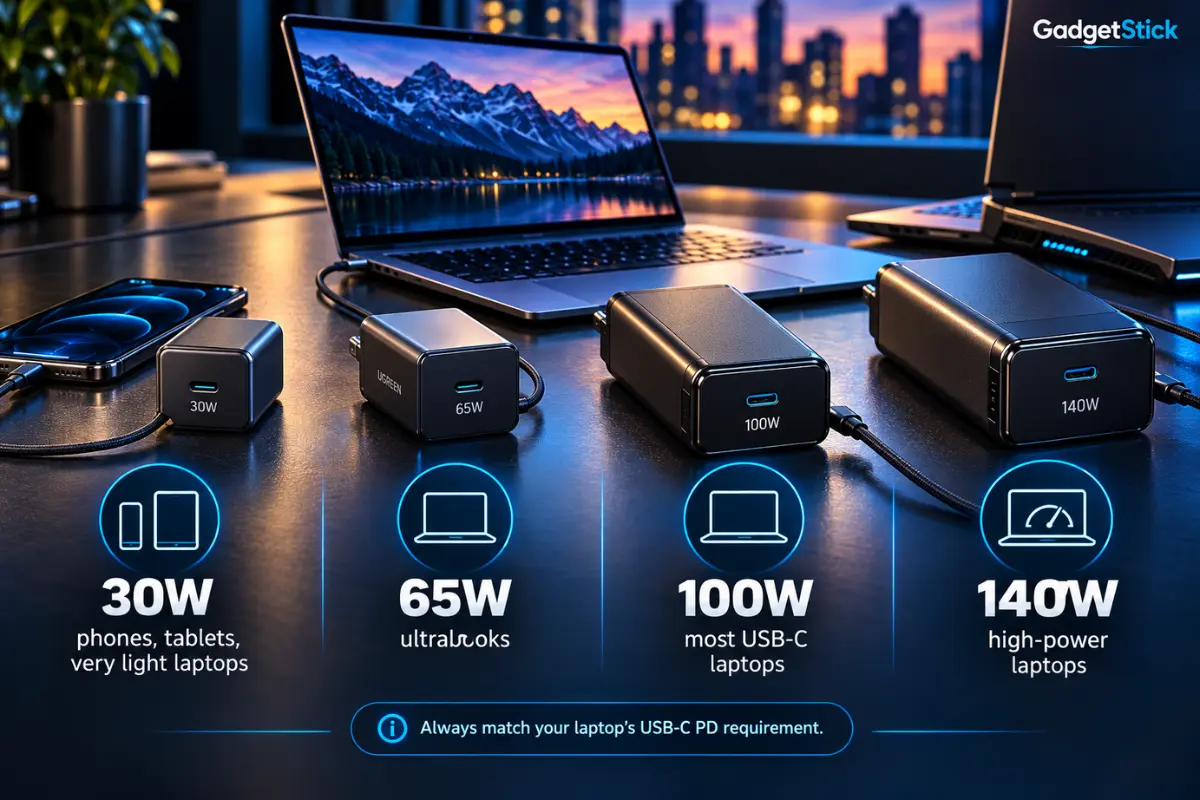
Check the wattage of the charger supplied with your laptop or the manufacturer’s charging specification. A 65W charger may be perfect for an ultrabook but inadequate for a workstation-class notebook. Buying 140W does not force 140W into a device; compatible USB-C PD devices negotiate supported power, but the laptop and USB-C cable still need to support the relevant charging mode.
Do Not Confuse Total Output With Single-Port Output
A product’s headline wattage may describe total output shared across multiple connections rather than the maximum available to one laptop. That distinction matters when your notebook needs 100W by itself. Always check the maximum output of the specific USB-C port you intend to use and how power changes when another device is connected.
Power Bank or Wall Charger?
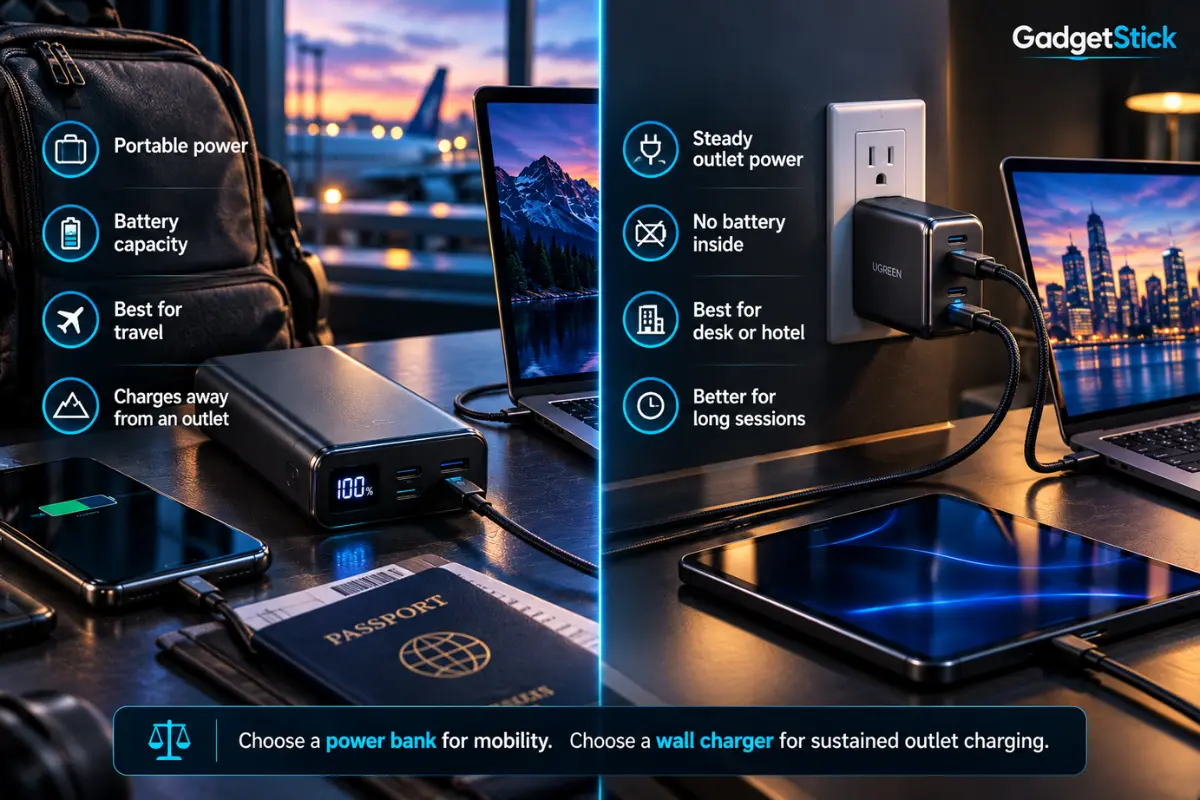
A power bank solves the problem of working away from an outlet, but it adds battery weight and eventually needs to be recharged. A GaN wall charger is usually smaller for the amount of continuous power it can provide, but it does nothing when no outlet is available. Frequent travelers may reasonably carry one of each.
Your Cable Matters at Higher Wattages
High-power USB-C charging requires a cable rated for the requested power level. A capable 100W or 140W charger paired with an unsuitable cable can prevent the laptop from reaching its expected charging speed. For USB PD 3.1 charging above 100W, verify both the charger and cable support the required Extended Power Range configuration.
Check Proprietary Charging Limits
USB-C does not guarantee that every laptop accepts its maximum charging speed from every third-party adapter. Some systems use proprietary behavior or specific cable requirements. Check the laptop maker’s documentation before buying solely on wattage.
Which USB-C Laptop Charger Should You Buy?
Choose the Anker 737 if portable high-power charging is the priority. Pick the UGREEN Nexode 20,000mAh if a built-in cable makes travel easier, or the INIU 25,000mAh if you prefer more battery capacity and 100W is enough for your laptop. Choose the Anker 533 when compact 30W charging matters more than laptop-class output, and pick the Baseus Blade bundle if you want both a 100W power bank and a 100W wall charger in one travel setup.
Frequently Asked Questions
Can I use a 140W USB-C charger with a 65W laptop?
Generally, a standards-compliant USB-C Power Delivery laptop negotiates the power it supports rather than being forced to accept the charger’s maximum. Compatibility still depends on the laptop, charger, and cable, so check the manufacturer’s requirements.
Is a 65W charger enough for a laptop?
For many thin-and-light USB-C laptops, yes. Higher-performance laptops may require 90W, 100W, 140W, or a proprietary adapter, especially under heavy load.
Can a power bank really charge a laptop?
Yes, if the power bank’s USB-C output supports the voltage and wattage the laptop needs. A phone-focused power bank with low USB-C output may charge very slowly or fail to keep up while the laptop is in use.
Is 130W total output the same as 130W laptop charging?
No. Total output can be shared among multiple ports. For example, the UGREEN Nexode 130W power bank can split its total output across connected devices, so always check the maximum wattage available from the specific USB-C output your laptop uses.
Final Answer
There is no single USB-C charger that is best for every laptop. The Anker 737 is the strongest portable high-power option in this group, UGREEN and INIU cover two useful power-bank alternatives, Anker 533 is the compact 30W option, while the Baseus Blade bundle combines 100W portable power with a 100W wall charger. Match the product to your laptop’s real wattage and protocol requirements first; portability, extra ports, and battery capacity come second.
How We Researched This Guide
GadgetStick compared manufacturer specifications, charging-port layouts, capacity, USB-C output limits, and documented compatibility information. We used official documentation from Anker, UGREEN, and INIU, along with current product information for the Anker 533 and Baseus Blade bundle. We also considered how wattage sharing, USB-C PD support, cables, and portability affect real buying decisions. This guide does not claim hands-on testing where none was performed.
Editorial Note
Product availability and specifications can change. GadgetStick recommends checking the current Amazon listing and manufacturer documentation before purchasing, especially if your laptop requires a specific USB-C PD profile or proprietary high-power charging mode.
