
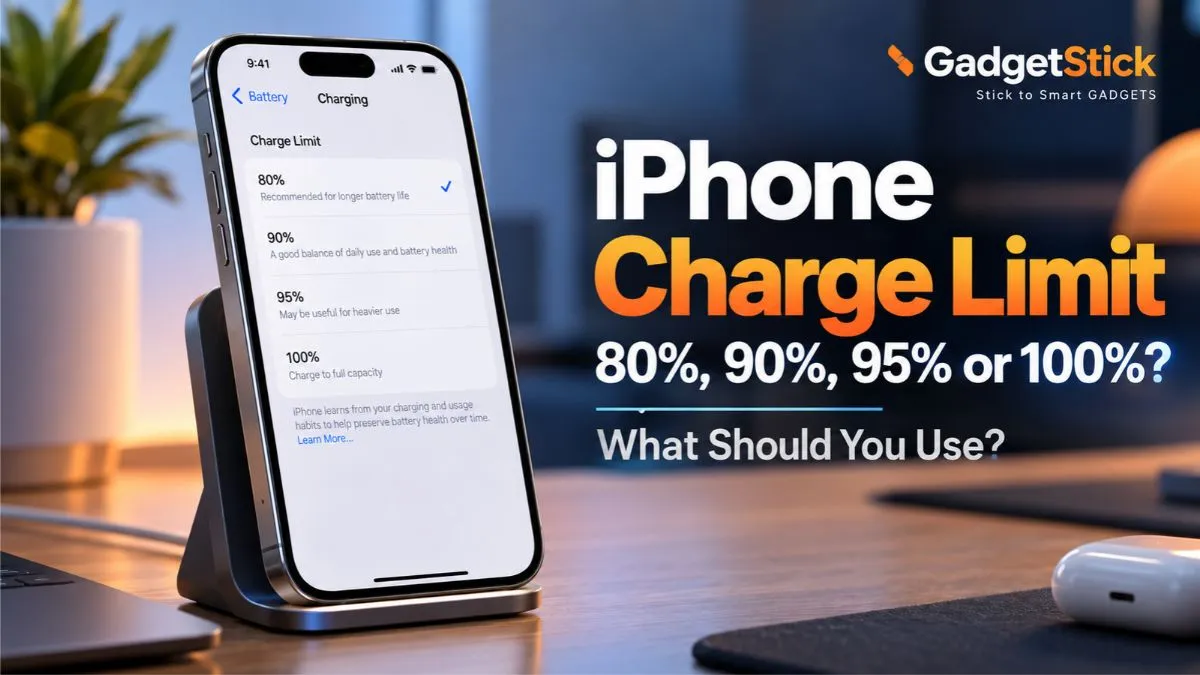
If you own an iPhone 15 or later, Apple lets you choose how far the battery charges instead of always going to 100%. The available charge-limit options now run from 80% to 100% in 5% steps.
That sounds simple, but the useful question is not “Is 80% best?” It is how much battery do you actually need in a normal day?
A lower limit can reduce the amount of time your iPhone spends at a high state of charge, which can help reduce long-term battery wear. But if an 80% start leaves you hunting for a charger every afternoon, the trade-off stops being practical.
This guide explains what 80%, 85%, 90%, 95%, and 100% actually mean, when each one makes sense, why an iPhone may occasionally charge to 100% anyway, and how Charge Limit differs from Optimized Battery Charging.
Quick Answer: Which iPhone Charge Limit Should You Use?
| Charge limit | Best fit | Main trade-off |
|---|---|---|
| 80% | You spend lots of time near a charger and want maximum battery-care headroom | Shortest daily runtime |
| 85% | You want a small runtime boost without living near full charge | Still conservative |
| 90% | Best middle ground for many users | Less battery-care headroom than 80–85% |
| 95% | You need nearly full-day runtime but still want some limit | Close to full charge most days |
| 100% | You regularly need maximum runtime | More time spent at high state of charge |
Simple rule: use the lowest limit that still gets you through a normal day comfortably. For many people, that means 90% or 95% rather than forcing 80%.
How iPhone Charge Limit Works
On iPhone 15 and later, go to Settings → Battery → Charging and choose a percentage between 80% and 100% in 5% increments.
When a limit below 100% is selected, the iPhone normally stops charging around that level. If the battery drops by more than roughly five percentage points while it is still connected to power, charging can resume toward the selected limit.
Apple also says iOS may recommend a specific limit based on your charging habits. For example, some users may see a 95% recommendation rather than 80%.
Official reference: Apple Support — Set a Charge Limit on iPhone.
80% vs 90% vs 95% vs 100%: What Actually Changes?
The setting changes one thing directly: how high the battery is allowed to charge during normal use.
Lower limits generally reduce how long the battery sits near full charge. Higher limits give you more daily runtime.
What the setting does not do is magically stop battery aging. Lithium-ion batteries still age with time, temperature, usage, charge cycles, and other factors.
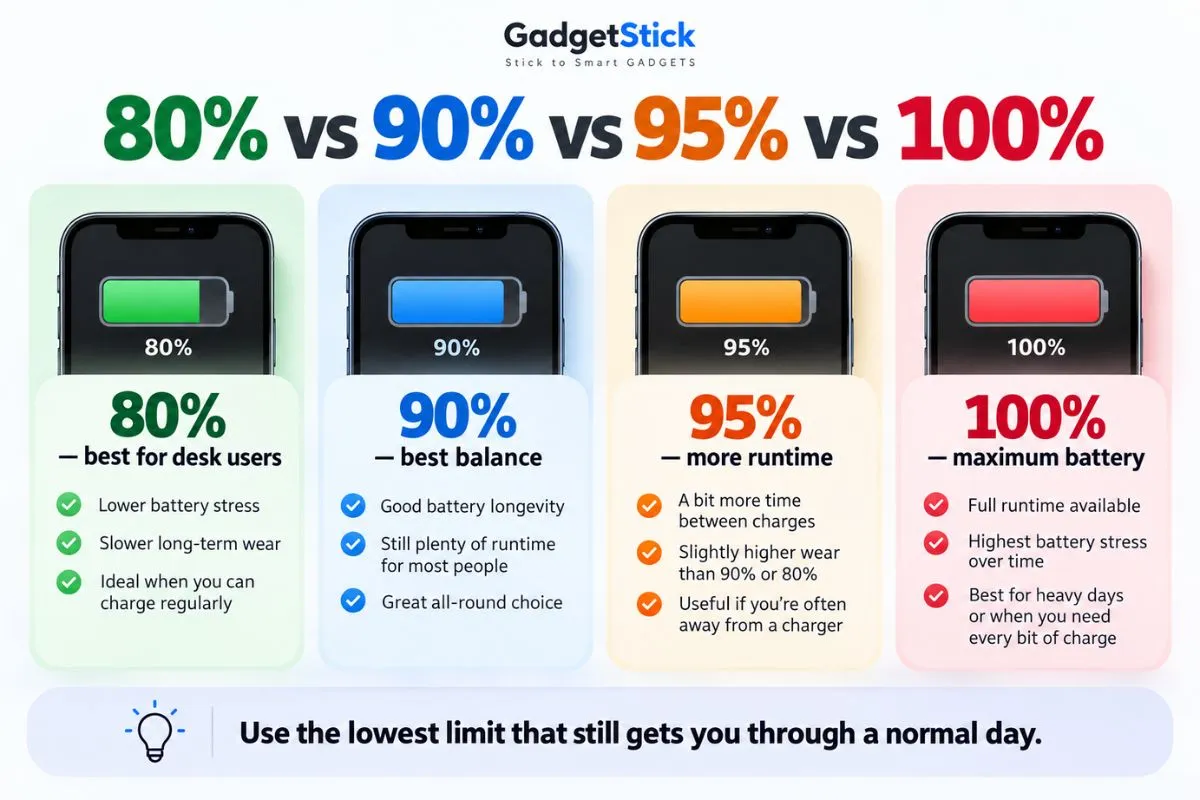
| Limit | Battery-care bias | Daily runtime | Good for |
|---|---|---|---|
| 80% | Highest | Lowest | Desk users, frequent charging, long ownership |
| 85% | High | Low–Moderate | Light users who want more buffer |
| 90% | Balanced | Good | Typical mixed use |
| 95% | Moderate | Very good | Heavy users who still want a cap |
| 100% | Lowest | Maximum | Travel, long days, heavy mobile use |
Is 80% Always the Best Choice for Battery Health?
No universal percentage is “best” for every iPhone owner.
An 80% limit gives you the most distance from a full charge, so it is the most conservative option Apple exposes. But battery health is only useful if the phone still works for your day.
If you start at 80% and routinely finish at 5–10%, you may be creating unnecessary range anxiety and extra top-up charging. Moving to 90% or 95% can be the more practical choice.
Apple’s own system reflects this idea: iOS can recommend a charge limit based on your charging habits rather than forcing everyone to use the same number.
When 80% Makes the Most Sense
- You work at a desk and can charge easily.
- You use CarPlay or keep the phone connected in the car for long periods.
- You usually finish the day with plenty of battery remaining.
- You plan to keep the iPhone for several years.
- You charge overnight or leave the phone connected for long stretches.
- You care more about reducing long-term battery stress than maximizing daily runtime.
When 90% Is the Better Compromise
For many users, 90% is the easiest middle ground.
It gives noticeably more usable battery than 80% without keeping the battery at full charge every day. If 80% feels restrictive but 100% feels unnecessary, 90% is a sensible place to start.
Try it for several normal days rather than judging from one unusually heavy or light day.
When 95% Makes More Sense
A 95% limit is useful when your schedule is unpredictable or your phone regularly ends the day low, but you still want some charging cap.
Apple can even recommend 95% for some users based on charging behavior, which is a good reminder that the setting is meant to be practical, not ideological.
If you routinely arrive home with 15–25% left after starting at 95%, that may be a better fit than forcing 80% and topping up halfway through the day.
When You Should Just Use 100%
Use 100% when maximum runtime matters more than preserving a little extra battery-health headroom.
- travel days
- long hikes or navigation-heavy days
- concerts, events, or camera-heavy use
- mobile gaming
- poor cellular coverage
- hotspot use
- days when you will be away from power for a long time
You do not need to feel guilty about charging to 100%. Apple still manages charging speed and temperature automatically, and Optimized Battery Charging is available when the charge limit is set to 100%.
Charge Limit vs Optimized Battery Charging
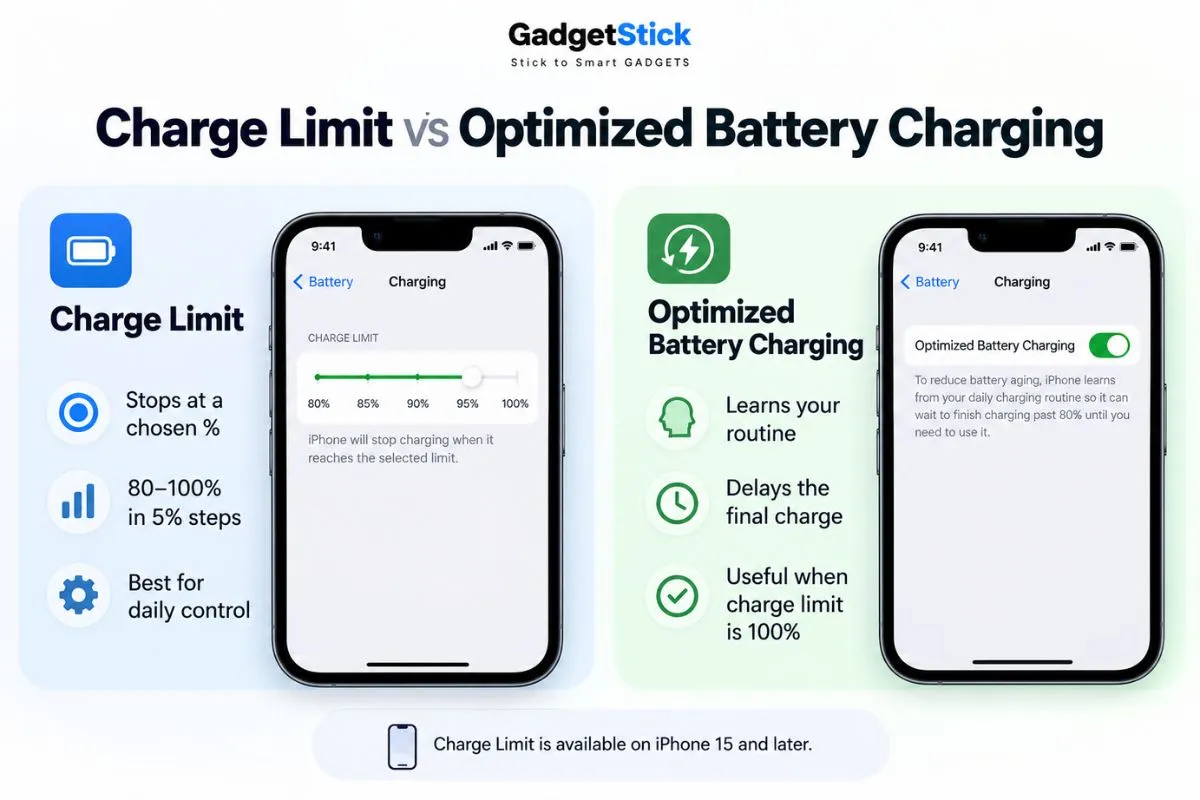
| Feature | Charge Limit | Optimized Battery Charging |
|---|---|---|
| Available on | iPhone 15 and later | Supported iPhones |
| What it does | Caps charging at a selected percentage | Delays the final part of charging |
| Typical goal | Reduce time spent near full charge | Reduce time spent sitting fully charged |
| Works below 100% limit | Yes | No — available when limit is 100% |
| Learns your routine | Can recommend a limit | Yes |
Optimized Battery Charging learns your routine and may delay charging past 80% until closer to when you normally unplug. Apple says it needs time and repeated charging patterns to learn your habits.
Official reference: Apple Support — Charge Limit and Optimized Battery Charging.
Why Did My iPhone Charge to 100% Even With an 80% Limit?
This can be normal.
Apple says an iPhone with a charge limit below 100% will occasionally charge all the way to 100% to maintain accurate battery state-of-charge estimates.
So if you wake up one day and see 100% even though your limit is 80%, it does not automatically mean the feature failed.
If it happens constantly rather than occasionally, check Settings → Battery → Charging and confirm your selected limit is still active.
Does Charging to 80% Reduce Battery Cycles?
Not in the simple way many people assume.
Apple defines a charge cycle by the total amount of battery capacity you use, not by how many times you plug in. Using 75% one day and 25% the next adds up to one full cycle.
Partial charging is normal and does not harm the battery. Apple explicitly notes that you can charge throughout the day without waiting for the battery to drain to zero.
Official reference: Apple Support — Charge the iPhone battery.
What Matters More Than the Exact Percentage? Heat
The difference between 80% and 90% gets a lot of attention, but heat is another major factor in battery aging.
Apple recommends avoiding charging or using iPhone in ambient temperatures above 95°F (35°C), and iOS may slow or pause charging when the device is too hot or too cold.
Practical habits matter:
- Do not leave the iPhone charging in direct sunlight.
- Avoid charging under pillows or blankets.
- If the phone gets unusually hot while charging, move it to a cooler place.
- Remove a thick case temporarily if it appears to trap heat during charging.
- Use certified, good-quality charging accessories.
Official reference: Apple Support — Thermally Limited Charging.
Should You Follow the 20–80 Rule?
You do not need to treat 20% and 80% as hard boundaries.
Modern iPhones manage charging automatically, and Apple does not require you to wait until 20% before plugging in. Partial charging is fine.
The practical version of the “20–80 rule” is simply this: avoid unnecessary extremes when convenient, but do not make your phone harder to use just to protect the battery.
What About Older iPhones?
iPhone 14 and earlier do not get the same manual 80–100% Charge Limit slider.
Instead, use Optimized Battery Charging under Battery Health & Charging. It learns your routine and reduces the time the phone spends sitting fully charged.
Apple lists iPhone 14 and earlier batteries as designed to retain 80% of original capacity at 500 complete charge cycles under ideal conditions, while iPhone 15 models and later are designed for 1,000 complete cycles under ideal conditions.
Official reference: Apple — Battery Service and Recycling.
How to Change the iPhone Charge Limit
- Open Settings.
- Tap Battery.
- Tap Charging.
- Choose 80%, 85%, 90%, 95%, or 100%.
- Use the phone normally for several days and adjust if the limit feels too restrictive or unnecessarily high.
You can change the setting any time. Before travel or a long day, temporarily charging to 100% is completely reasonable.
A Simple Way to Pick Your Limit
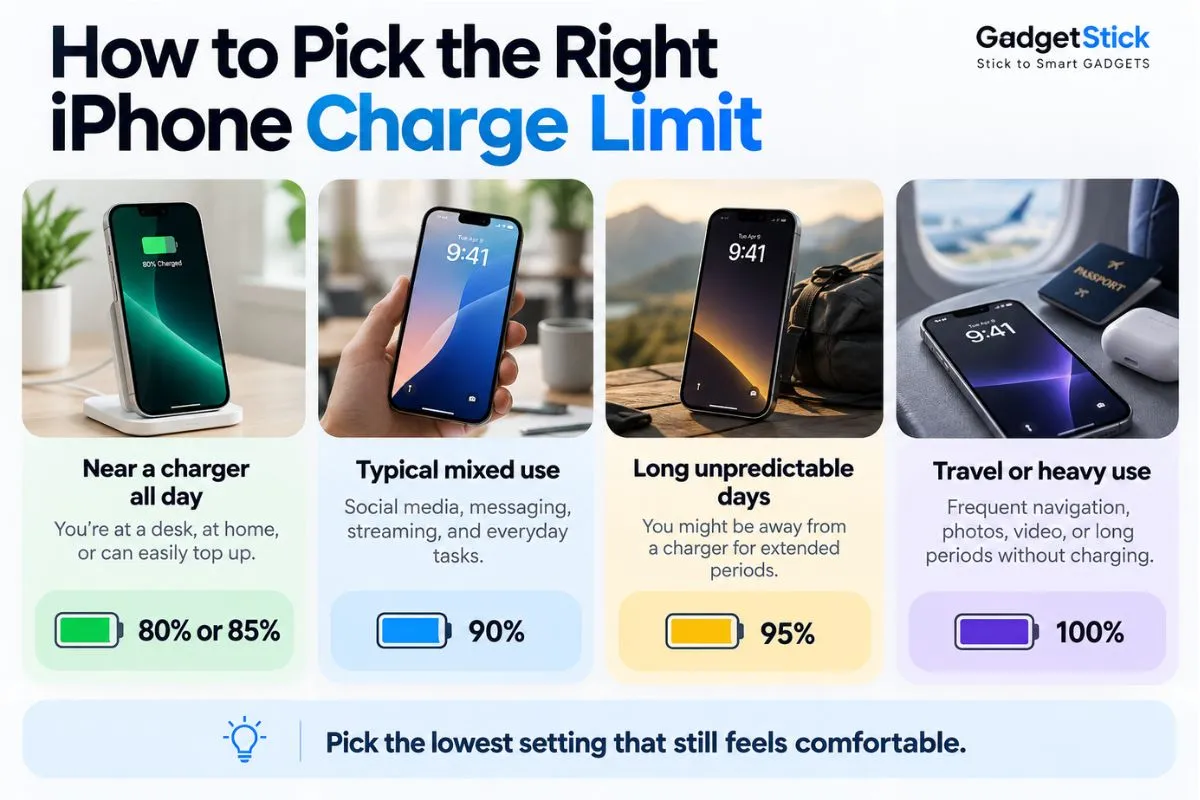
| What battery do you usually have left at night? | Suggested starting limit |
|---|---|
| 40%+ remaining | Try 80% |
| 25–40% remaining | Try 85–90% |
| 15–25% remaining | Try 90–95% |
| Below 15% often | Use 95–100% |
| Unpredictable schedule | 95% or 100% |
| Travel / long day | 100% |
This is a practical decision framework, not an Apple-prescribed rule. Your apps, signal strength, display brightness, gaming, camera use, and battery condition can change daily consumption significantly.
GadgetStick Pro Tip
Do not chase the lowest possible charge limit just because it sounds healthier.
Start with 90% for a week. If you consistently finish the day with a large buffer, drop to 85% or 80%. If you keep running low, move up to 95% or 100%.
Battery care should fit around how you use the iPhone — not the other way around.
If You Also Use a Windows Laptop
The same “use the lowest practical limit” idea exists on many laptops, but the setting is controlled by each manufacturer rather than Windows itself. We have a separate guide on how to limit laptop battery charging to 80% in Windows 11.
Frequently Asked Questions
Should I keep my iPhone charge limit at 80%?
Use 80% if it comfortably gets you through the day and you spend a lot of time near a charger. If it leaves you short on battery, 90% or 95% may be a better practical setting.
Is 90% better than 80% for iPhone?
It gives you more daily runtime while still keeping the battery below a full charge most of the time. For many users, 90% is a useful compromise.
Is it bad to charge an iPhone to 100%?
No. Charging to 100% is a normal supported use case. The trade-off is simply that the battery spends more time at a high state of charge, which can contribute to long-term wear.
Why does my iPhone charge to 100% with an 80% limit?
Apple says this can happen occasionally so the phone can maintain accurate battery state-of-charge estimates.
Does iPhone Charge Limit work overnight?
Yes. If a limit below 100% is selected, the iPhone normally stops around the chosen percentage even if it remains connected overnight.
Can I change the charge limit every day?
Yes. You can change or remove the limit whenever your schedule changes.
Does 80% charging improve battery health?
A lower limit can reduce time spent at a high state of charge, which can help reduce battery wear. Actual battery aging still depends on temperature, usage, charge cycles, and other factors.
Final Answer
For most people, the best iPhone charge limit is not automatically 80%. It is the lowest setting that still gives you enough battery for your normal day.
Use 80–85% if your phone rarely gets low and you are often near power. Use 90% for a balanced approach. Use 95% if you need more runtime, and use 100% when maximum battery life between charges matters.
The useful goal is not to protect the battery at all costs. It is to reduce unnecessary wear without making the iPhone less useful.
How We Researched This Guide
We reviewed Apple’s current iPhone documentation for Charge Limit, Optimized Battery Charging, charge-cycle behavior, thermal charging protection, and battery service targets.
We used Apple’s own charging behavior as the factual baseline and treated percentage recommendations in this guide as practical usage advice rather than guarantees about future battery capacity.
We also reviewed current US search results around “iPhone charge limit 80,” “80 or 90,” and “80 or 100” to make sure this guide directly answers the decisions people are actually searching for.
Editorial Note
Battery aging varies by device, temperature, usage, charging habits, and battery condition. No charge-limit setting can guarantee a specific future battery-health percentage.
