

Quick Answer
A camera-free robot vacuum can navigate using LiDAR without a conventional imaging camera, but that does not mean its maps or usage data stay offline. Before buying, verify the exact model’s full sensor list, map retention, offline operation, obstacle avoidance and US warranty.
Camera-Free vs Cloud-Free
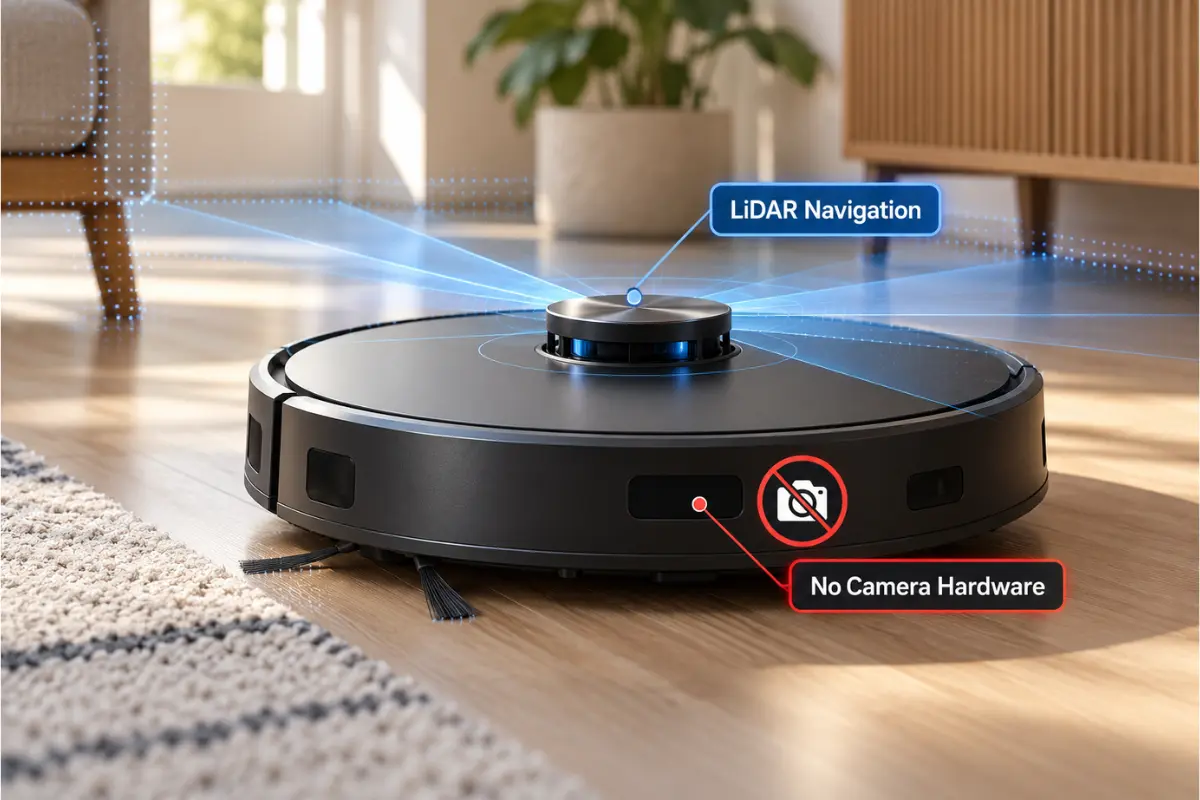
Before buying, ask four separate questions: Does the unit capture images? Does it collect room maps? Can the app transmit or back up those maps? And what cleaning functions continue when Wi-Fi is unavailable? These are separate properties; a claim about any one does not answer the others.
LiDAR measures spatial distances and creates floor plans. Connected devices may still store or transmit home maps, cleaning schedules and diagnostics. Confirm the privacy policy and app settings for each specific model. LiDAR navigation alone is not proof that there is no camera anywhere in the device.
Three LiDAR-Led Models to Research
| Model | Documented evidence | US buying caveat |
|---|---|---|
| Roborock Q5 Max+ | PreciSense LiDAR, 5,500Pa advertised suction, auto-empty dock | Official US store currently lists it out of stock. Verify full sensors, current authorized stock, warranty and app/data settings. |
| Shark Matrix Plus RV2610WA | 360° LiDAR home mapping; vacuum and mop with self-empty base | Check the precise RV2610WA variant, full camera/sensor list and live US inventory. |
| eufy E20 3-in-1 | RTINGS independently confirms top, front and side LiDAR; removable handheld/stick system | Verify the complete hardware inventory and terms; RTINGS reports performance varies by floor type. |
- Roborock Q5 Max+: PreciSense LiDAR, DuoRoller brush, auto-empty dock and 2.4GHz Wi-Fi. Official details.
- Shark Matrix Plus RV2610WA: 360-degree LiDAR home mapping, vacuum/mop functions and self-emptying base. Official details.
- eufy E20 3-in-1: top, front and side LiDAR sensors documented in an independent RTINGS review. Also functions as a stick and handheld vacuum.
These are research examples, not certified camera-free recommendations or firsthand tested picks. Confirm each exact US variant’s complete sensor list and availability before purchasing.
Comparison: Six Buyer Checks
- Verify whether the actual hardware includes any RGB or other imaging camera.
- Check where maps are saved, who can access them and whether they can be deleted.
- Identify what works without Wi-Fi, including physical-button cleaning, scheduled runs and no-go zones.
- Examine independently tested small-object avoidance for wires, socks and pet messes.
- Compare supplies, seller warranty, returns and live US availability.
- Review current privacy terms and permissions; camera-free does not mean data-free.
Camera, LiDAR and Privacy
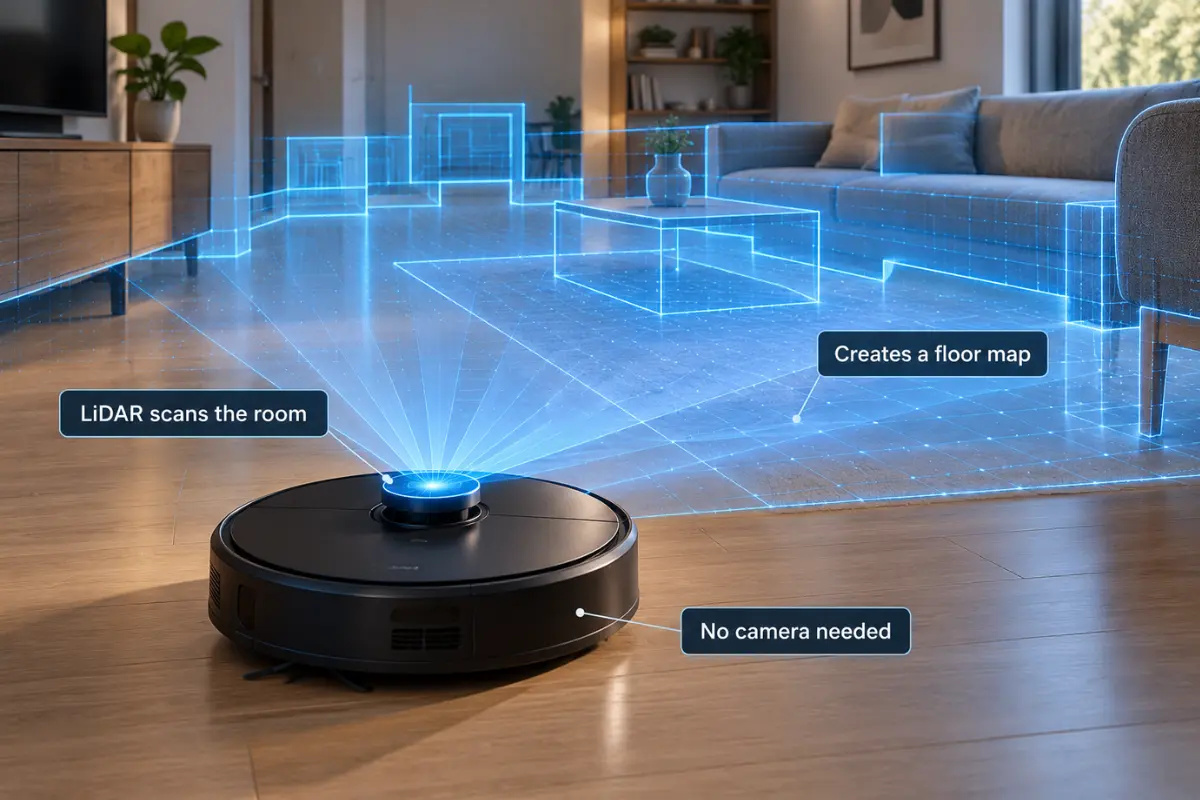
An RGB camera can capture visual imagery. LiDAR produces range measurements and maps. Bump, cliff and infrared sensors serve other navigation roles. Different sensors have different privacy trade-offs; even non-photographic floor plans can be sensitive. Read the company’s policy, for example eufy’s privacy policy, and look for local-only operation, map deletion and optional cloud features.
Pets, Multi-Floor Homes and Night Cleaning
Room-mapping accuracy does not automatically translate into reliable recognition of tiny cords or pet accidents. Multi-floor houses need documented multi-map functionality; nighttime performance varies with the actual sensor system. For a separate cleaning-performance comparison, read GadgetStick’s pet-hair and hardwood robot-vacuum buying guide.
A More Useful Buying Decision: Which Priority Matters Most?
If avoiding image-capturing hardware matters most, obtain the exact U.S. model’s complete sensor list and manufacturer confirmation before paying. LiDAR navigation alone does not prove a robot has no camera. If avoiding cloud dependence matters most, prioritize documented offline cleaning, map storage and data-deletion options. If cleaning performance matters most, evaluate reliable independent pickup and small-object avoidance testing for your floor type.
A Practical Camera and Sensor Verification Process
Write down the entire model number and regional variant. Read its official manual and support FAQ, looking for RGB, camera, optical obstacle detection, image recognition, laser, LiDAR and infrared sensor descriptions. Some robots combine several technologies. If the documentation is ambiguous, ask support whether the exact hardware includes any imaging sensor and whether photos are stored. Confirm a suitable return window; generic marketing language is not sufficient proof.
What Can Work Offline?
Offline functionality varies. Roborock support describes manual whole-home and spot cleaning and returning to dock without Wi-Fi, but says app-based schedules and suction controls need connectivity. eufy guidance also distinguishes physical-button cleaning from connected setup and app features. Neither general article proves that a particular model offers fully offline maps, room selection or account-free operation.
Map Privacy and Data Handling
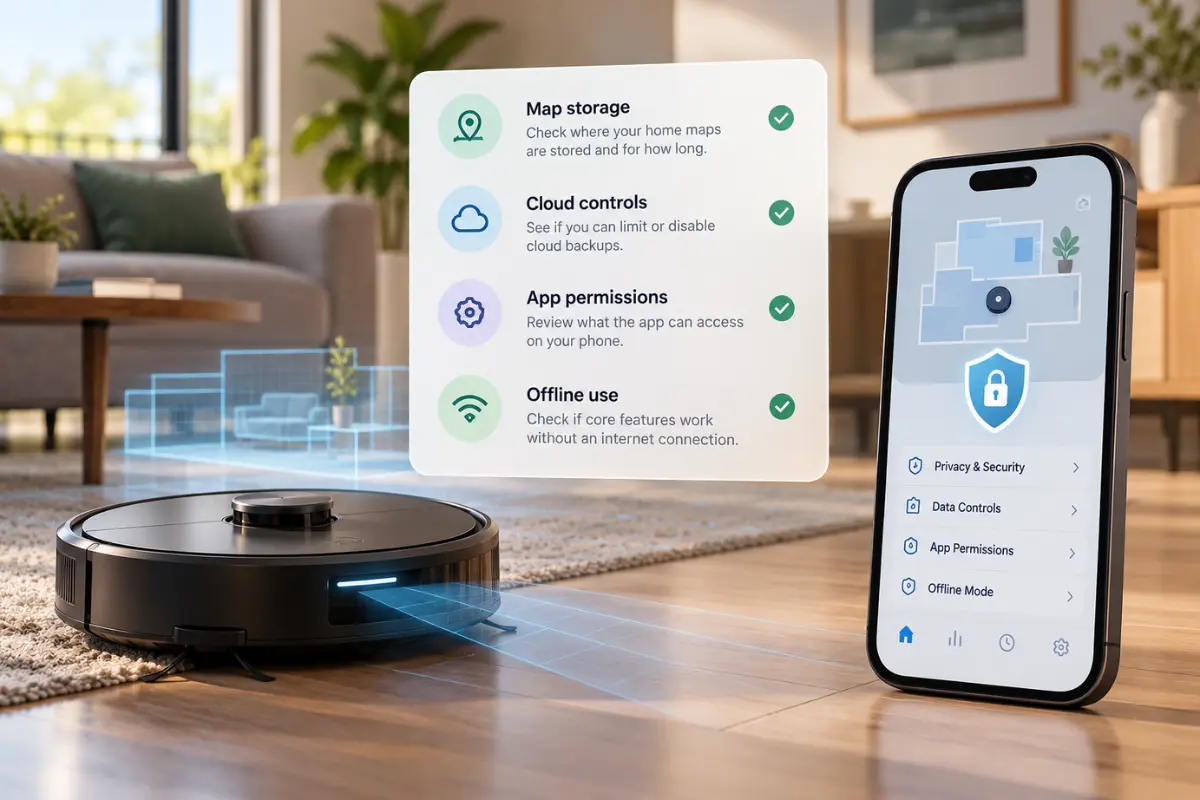
Ask whether floor plans are kept on-device, synchronized to an account or both. Look for controls to erase maps and account data when you sell the device. Some camera-equipped devices offer obstacle photographs; not every robot offers those features. Telemetry, device identifiers and cleaning history can be collected even without an RGB camera. A map is not a photograph, but it can still reveal home layout.
Real-World Cleaning Trade-Offs
LiDAR navigation is useful for planning efficient paths, including in low light, but it is not proof of excellent pickup or pet-waste avoidance. Carpet performance depends on brush design and debris tests. Hardwood owners should look at edge cleaning, fine dust and mopping residue. Homes with cables, socks or pets need verified small-object performance. Auto-empty docks add bags, filter maintenance and replacement-parts costs. Multi-floor users should check how many maps can be stored and whether this needs the app.
US Availability and Cost Worksheet
Compare the actual U.S. checkout total, replacement bags/filters, return window, warranty and app support instead of trusting a fixed best-value label. Current inventory can change quickly. For example, eufy states that its L60 family was discontinued in 2026; used and discounted listings therefore need extra support checks. An unsupported bargain may cost more to maintain. No products in this article were personally tested by GadgetStick.
Frequently Asked Questions
Do all LiDAR robots lack cameras?
No. Some combine LiDAR and cameras. Check the exact product’s sensor inventory.
Can a camera-free robot map a home?
Yes. LiDAR can generate room maps without taking conventional photographs.
Does a camera-free robot work offline?
Some permit basic cleaning without Wi-Fi; advanced schedules, maps and updates may still require connectivity. Check the user manual.
Is camera-free automatically more private?
No. Home maps, device identifiers and usage data may still be collected.
How We Researched
We evaluated published manufacturer specifications, model-specific independent testing and privacy-policy disclosures. We have not physically tested the models, confirmed every onboard sensor, or verified current US inventory. This guide deliberately avoids unsupported performance rankings and fixed prices.
Final Answer
Choose based on verified hardware and data practices, not merely a camera-free label. Confirm sensors, map management, offline behavior, cleaning reliability and warranty before purchasing.
